Apple iOS 27 Public Beta Is Here With Siri AI Features: How to Download, Supported Devices
Apple has officially shifted its software testing machine into the public domain. Moving past the initial developer restrictions, the first iOS 27 Public Beta is now officially available for users seeking an early taste of the next generation of iPhone software layout configurations.
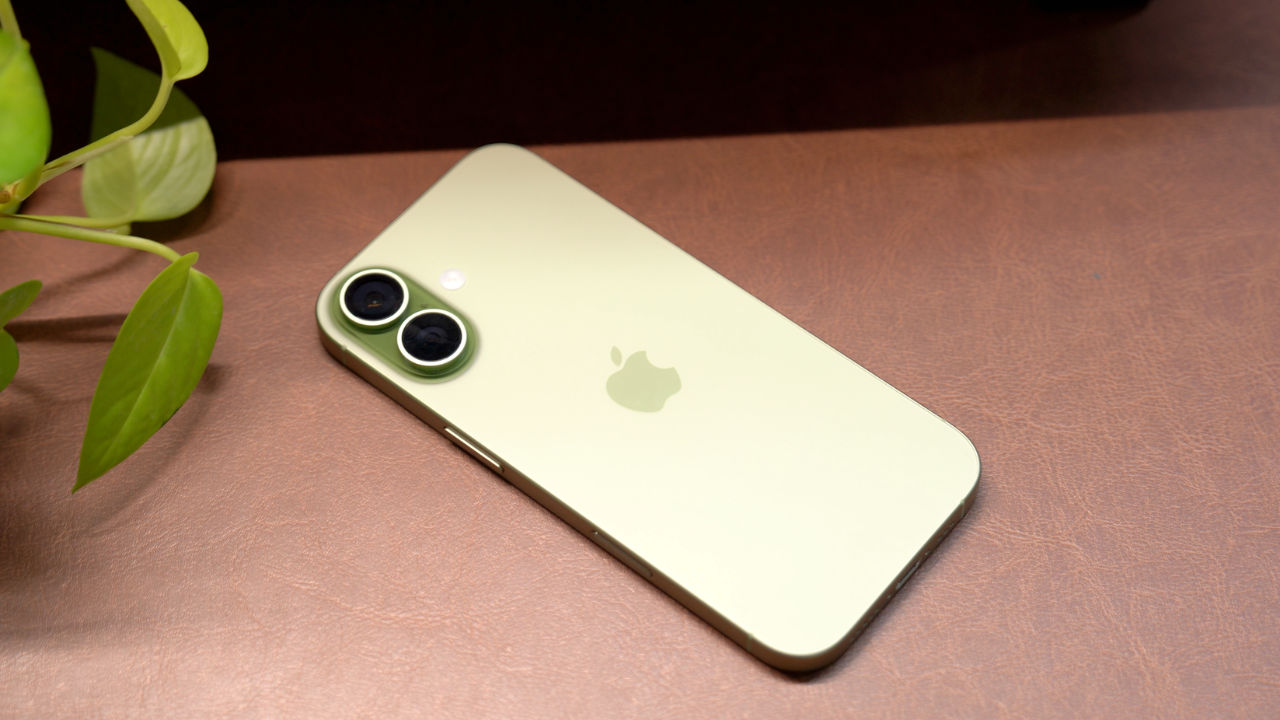
The major system update brings highly anticipated visual changes and advanced on-device intelligence integration directly to mainstream users. While beta builds naturally carry baseline stability risks, this rollout marks the first opportunity to interact with Apple's redesigned assistant interface and refined system tools before the stable public debut this autumn.
The Smarter Siri Overhaul and Apple Intelligence Upgrades
The core selling argument for enrolling in the iOS 27 public track centers squarely around the absolute reconstruction of the native Siri experience. Breaking away from legacy linear command trees, the new layout implements a fully conversational natural language processing matrix.
Siri now captures extensive contextual awareness across active application windows, enabling users to orchestrate complex multi-step cross-app requests—such as extracting flight detail notes from an email thread and mapping a calendar path instantly in a single voice query. Visually, the old glowing lower orb element disappears completely, replaced by a striking, full-screen edge-to-edge glowing animation border that wraps around the entire display when the assistant is processing text or voice data inputs.
iOS 27 Official System Compatibility Matrix
The updated software layer enforces rigid computational baseline rules, limiting advanced Apple Intelligence tools entirely to high-end neural engine hardware tracks:
| iPhone Generation | iOS 27 Base Compatibility Status | Advanced Apple Intelligence AI Support |
|---|---|---|
| iPhone 17 Pro / 17 Pro Max | Fully Supported (Pre-installed at launch) | Fully Supported (Optimized Local 16GB Processing) |
| iPhone 17 / 17 Plus | Fully Supported (Pre-installed at launch) | Fully Supported (Standard Neural Processing) |
| iPhone 16 Pro / 16 Pro Max | Fully Supported (Via OTA Update) | Fully Supported (Advanced On-Device Execution) |
| iPhone 16 / 16 Plus | Fully Supported (Via OTA Update) | Fully Supported (Core AI Features Active) |
| iPhone 15 Pro / 15 Pro Max | Fully Supported (Via OTA Update) | Fully Supported (Baseline AI Models Active) |
| iPhone 15 / 15 Plus | Fully Supported (Via OTA Update) | Not Supported (Lacks required Neural Frameworks) |
| iPhone 14 Series / 13 Series | Fully Supported (Via OTA Update) | Not Supported (Standard UI & Custom Tools Only) |
| iPhone 12 Series / SE (Gen 2+) | Hard Hardware Cutoff Boundary | Completely Dropped from Software Support Life |
How to Enroll and Download the iOS 27 Public Beta
Apple has significantly streamlined its public testing registration mechanics. Users no longer need to sideload complex physical beta profiles or link configuration keys to pull the down update package files from the cloud servers. To safely transition your primary device onto the iOS 27 Public Beta path, follow this structured layout route:
- Launch your Safari browser app and navigate directly onto the official **Apple Beta Software Program portal** (beta.apple.com). Sign in using your active Apple ID credentials.
- Review the corporate software documentation agreement layout and tap **Enroll Your Devices** to voluntarily flag your account tier for testing updates.
- Open the native **Settings** application on your iPhone, click through into the **General** tab, and select the **Software Update** panel.
- Click on the newly visible **Beta Updates** section block and toggle your selection from "Off" onto the **iOS 27 Public Beta** option loop.
- Return to the main screen, wait for the OTA payload to resolve on the feed interface, and select **Download and Install** to begin the localized update routine.
The iOS 27 Public Beta delivers an extraordinarily meaningful design leap for current-generation iPhone users. While installing early system code on your primary daily device always demands caution due to unavoidable app tracking bugs and accelerated battery drain curves, the deep intelligence layers and full-screen Siri redesign serve as a highly functional glimpse into the future of mobile interfaces.


No comments:
Post a Comment