OnePlus 15 Gains AirDrop Support via Quick Share: Check How to Enable It
The barrier dividing Android and the iOS ecosystem has become significantly blurred this week. OnePlus 15 users in India are receiving a groundbreaking update that brings native Apple AirDrop compatibility directly inside the Quick Share interface.
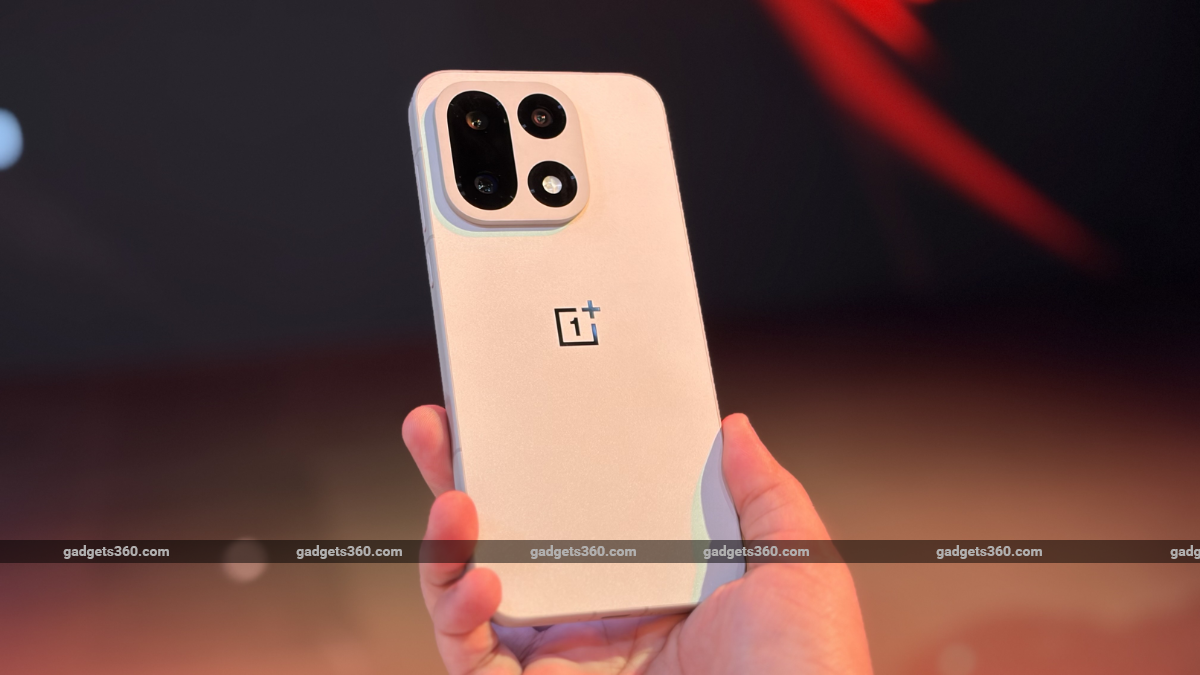
This major expansion rolls out as part of a strategic update rollout that perfectly aligns with current global ecosystem movements. Previously limited exclusively to select high-end Google Pixel and Samsung Galaxy configurations, the cross-platform sharing framework is finally trickling down to the premium tier of flagship killer smartphones.
The Google Feature Drop Expansion Strategy
The feature was first confirmed by active tech enthusiasts inspecting internal interface modules on the official OnePlus community channels. A brand new notification layout titled "Share instantly with iPhone" has started displaying for baseline device owners, confirming cross-ecosystem functionality is working directly in local environments.
This integration uses server-side optimizations pushed through Google Play Services frameworks. Instead of forcing users to install third-party local web servers or reliance on clunky cloud link generation, the updated configuration hooks straight into nearby wireless networking bands, communicating seamlessly with Apple target protocols without data-rate degradation or compressing file properties.
Cross-Platform AirDrop Roster Status Overview
While the cross-platform capability marks a significant achievement for mainstream utility, the feature deployment layout remains highly calculated regarding hardware generation compatibility profiles:
| Ecosystem Brand | Devices Natively Supporting AirDrop via Quick Share |
|---|---|
| OnePlus Hardware | OnePlus 15 only (OnePlus 13 and entry variants omitted for now) |
| Google Handsets | Pixel 10 Series, Pixel 9 Series, Pixel 8a Mobile Lineup |
| Samsung Handsets | Galaxy S26 Series, Galaxy S25 Premium Configurations |
| Oppo and Vivo | Oppo Find X9 Series, Find N6, Vivo X300 Ultra Flags |
| Xiaomi Ecosystem | Xiaomi 17T Pro Premium Performance Line |
How to Transfer Files from OnePlus 15 to iPhone
Executing a high-speed file transfer using the new layout does not require extensive engineering setups. However, because of Apple strict closed-garden ecosystem security choices, users must observe precise steps to bypass standard discoverability locks.
First, ensure the Quick Share container on your device has been refreshed to the absolute newest release via the Google Play Store. Next, have the receiving Apple user open their system control center and adjust their AirDrop visibility state to "Everyone for 10 minutes." Once active, the iPhone or Mac target will safely materialize as a selectable target right inside your native sharing tray, allowing instant localized beam operations.
Giving the OnePlus 15 direct access to AirDrop networks removes one of the biggest platform migration blockers for Indian consumers who constantly share media with iPhone users. It represents a massive win for open device standards, turning Quick Share into a truly universal local wireless file-transfer powerhouse.


No comments:
Post a Comment